Setting up FsACARS
To set up FsACARS, follow these steps:
- Download the Canada Air Virtual version of FsACARS from https://www.canadaairvirtual.ca/fsacars/fsacars_4.2.0.zip
- Extract the contents of the zip file to a location on your PC, such as your Documents folder
- Launch fsacars.exe
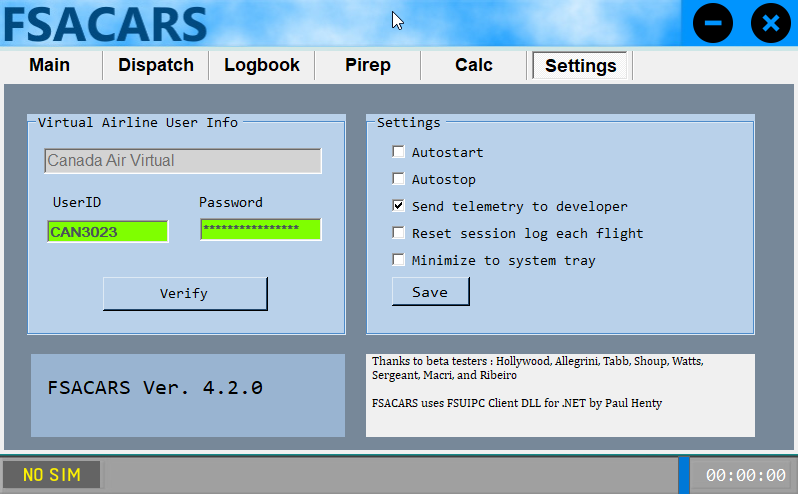
- Go to the Settings tab and enter your Canada Air Virtual pilot ID and password
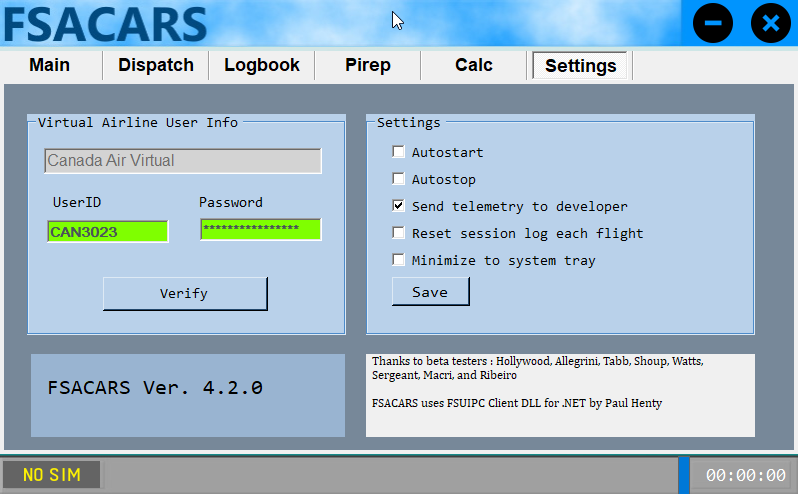
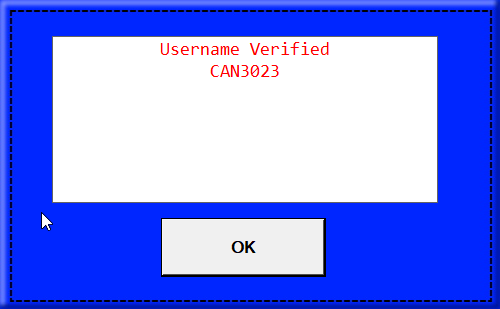
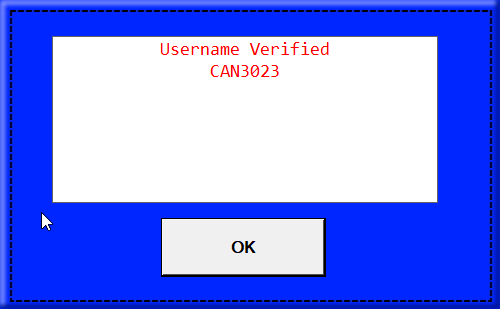
- Click the Verify button. You should see a successful result.