Submitting a PIREP with FsACARS
Once you've landed and shut off your engines, you will need to submit your PIREP to the Canada Air Virtual website. To do this, follow these steps:
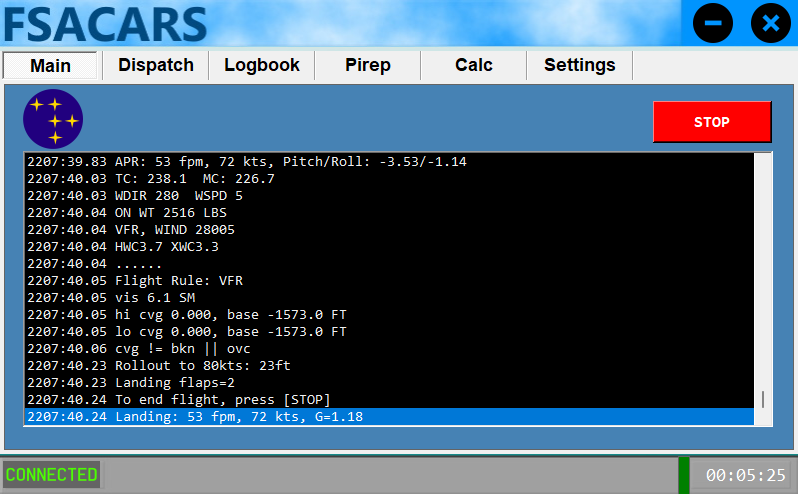
- On the Main tab, review the log messages, and if satisfied, click the Stop button.
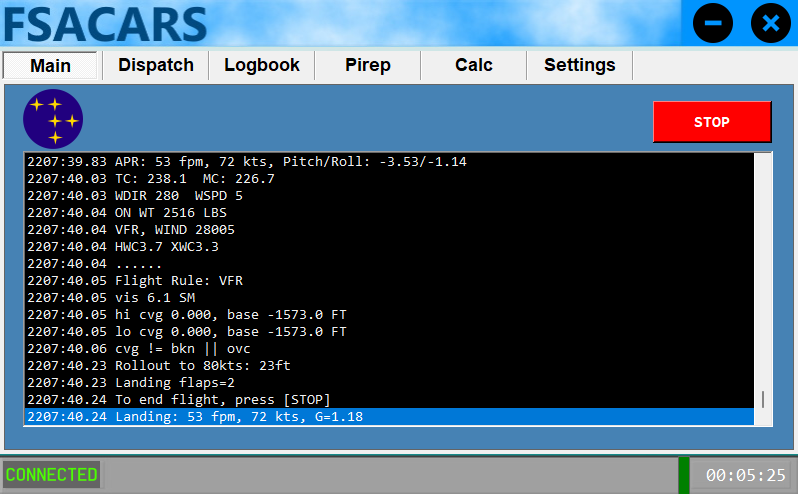
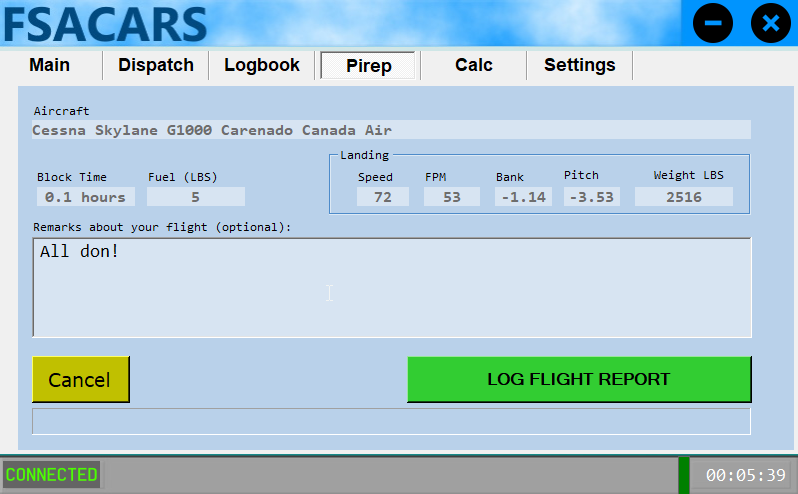
- Once clicked, you will be taken to the Pirep tab automatically and see an overview of your flight data.
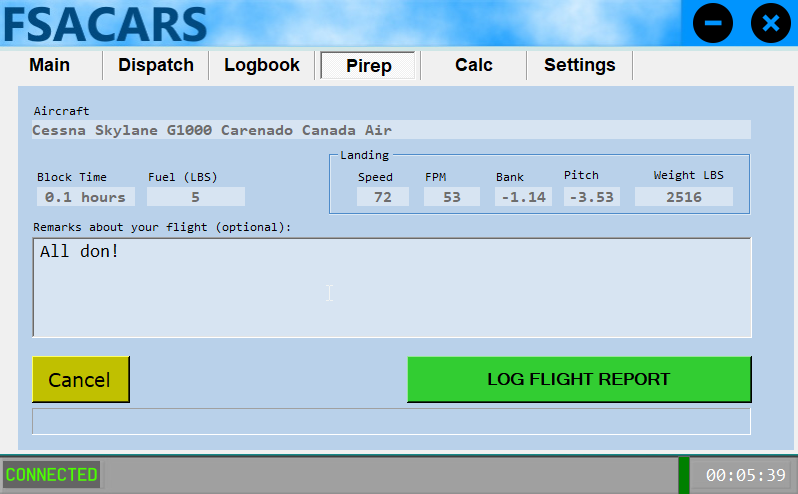
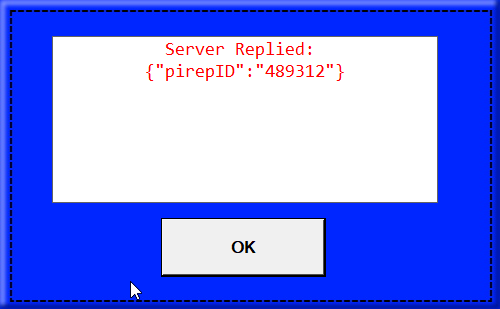
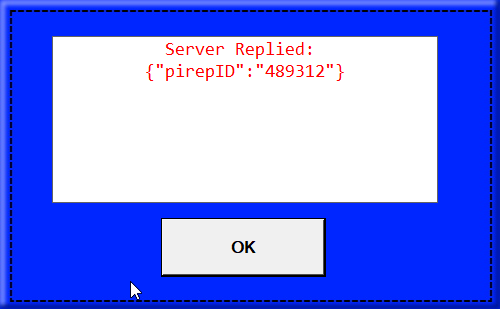
- You can enter any additional remarks at this time and then click Log Flight Report to submit your pirep. Assuming all the data passes validation, it will automatically be approved by our system.