Tracking a Flight with FsACARS
Here's how to begin tracking a flight with FsACARS:
- Dispatch your desired flight from the website, either as a charter, tour, event, or scheduled flight
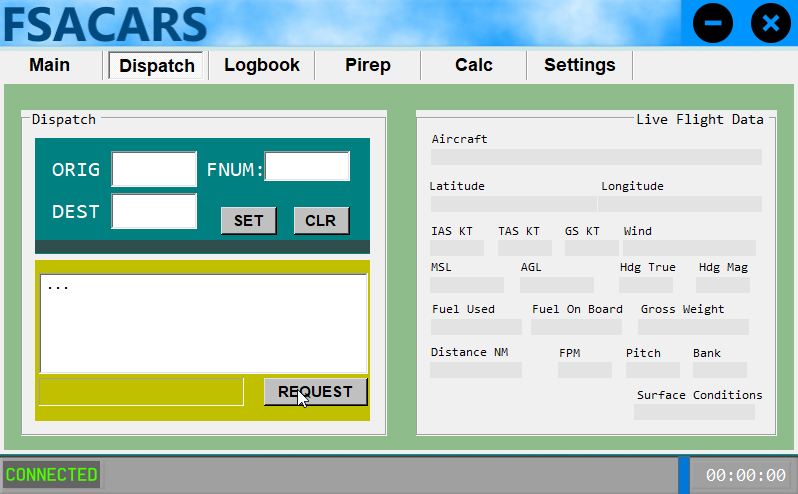
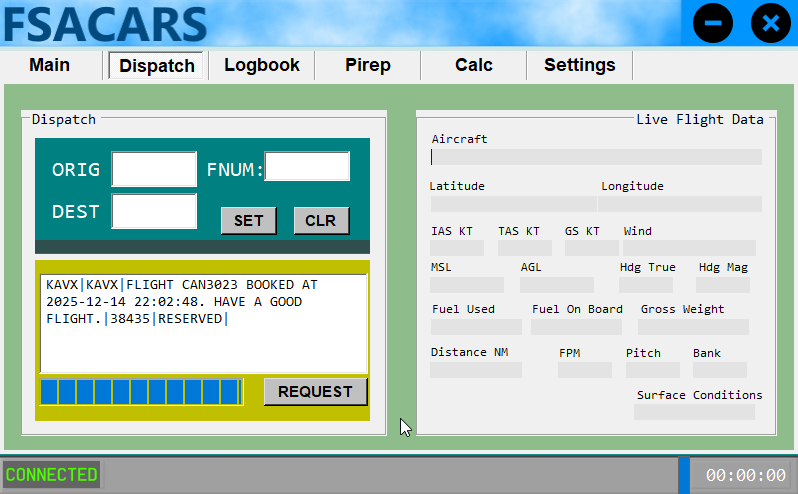
- Launch FsACARS and go to the Dispatch tab
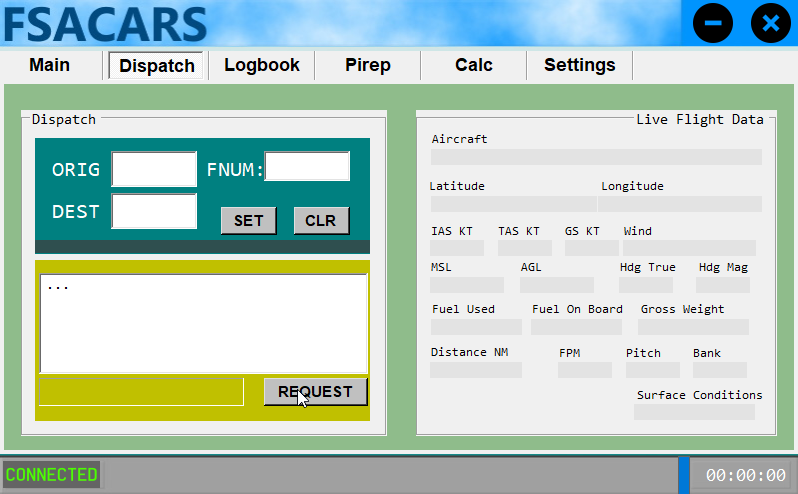
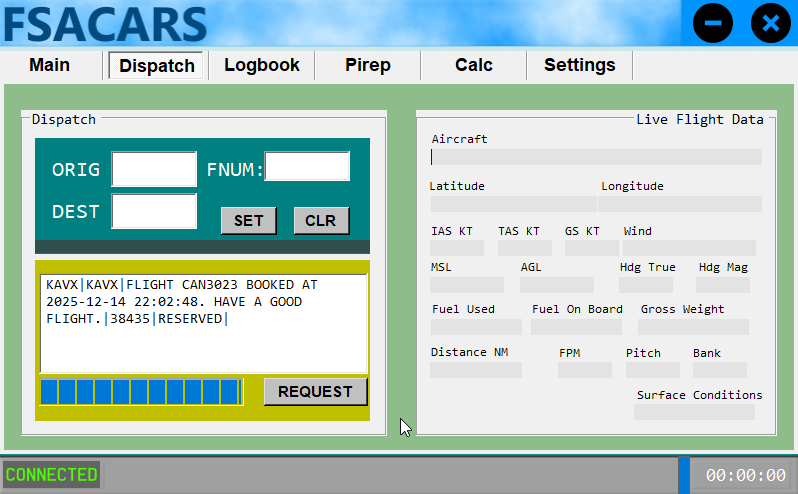
- Click the Request button. This will load your most recently dispatched flight from the Canada Air Virtual website.
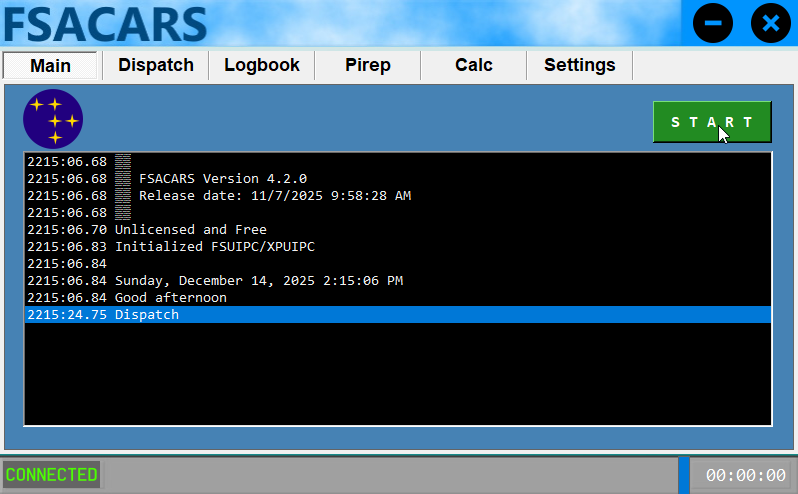
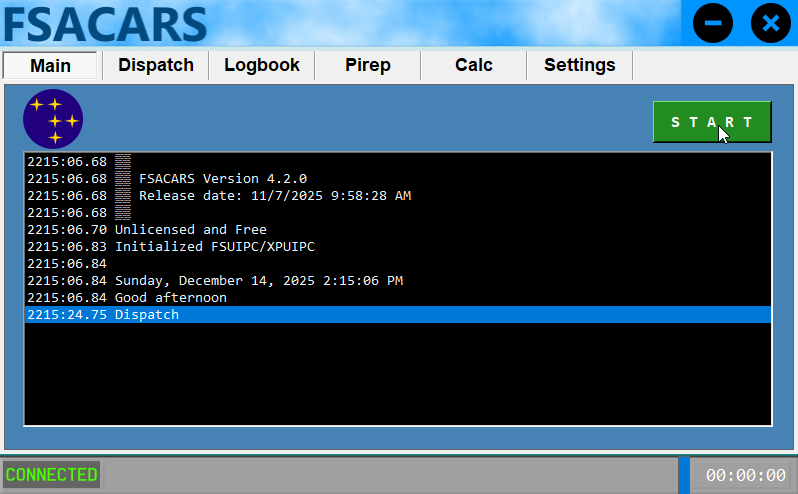
- Switch to the Main tab and click the Start button once you're ready to start tracking your flight.
- The Main or Dispatch tabs are excellent for monitoring your tracking status during your flight. The Dispatch screen, in particular, will show you live flight data. You should also start seeing your flight live on the Canada Air Virtual website, as well as in tools such as Little Nav Map.